
A macOS menubar app that provides system-wide voice-to-text using on-device Qwen3 speech models. One hotkey to start, one to stop. Your words, transcribed on your Mac.
Requires macOS 15 (Sequoia) or later and Apple Silicon (M1 or later)
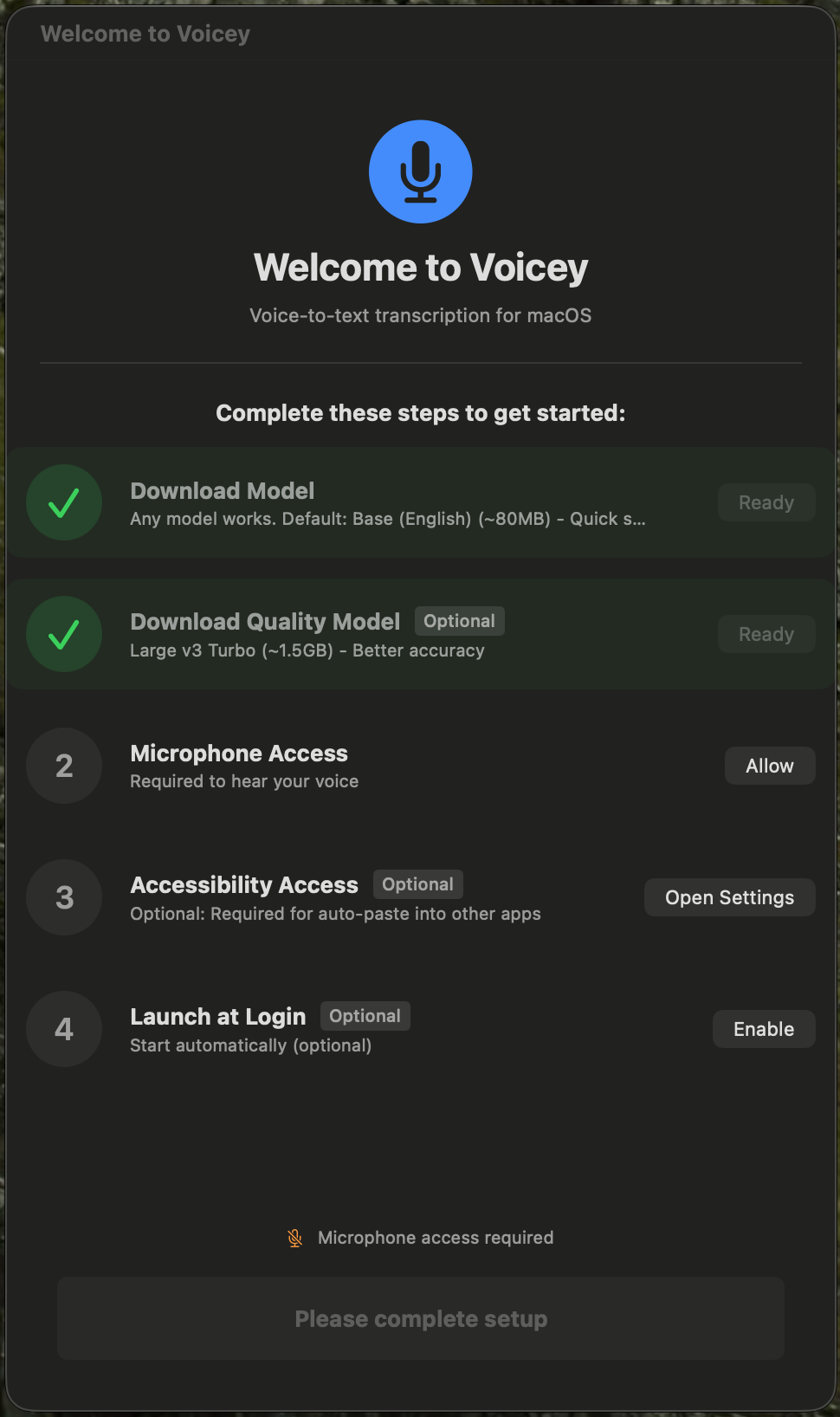
Features
Privacy-First
All transcription runs on your Mac using native MLX inference. Your voice never leaves your device. Network access is only used to download speech models from Hugging Face.
Low Friction
Single hotkey to toggle recording (default: Ctrl+V). Minimal UI with a small overlay during recording. Text goes straight to your clipboard.
Spelling & Context
Custom vocabulary, optional on-screen text from the app you are dictating into, and optional on-device OCR for apps with limited Accessibility support. All steering stays on your Mac.
Intelligent Output
Punctuation is automatically inferred from your speech timing and patterns. Noise filtering removes artifacts like background sounds and filler words.
Qwen Models On-Device
Choose between a fast Qwen3 ASR 0.6B model or a larger 1.7B model for higher quality. Models download once, then transcription works offline.
Performance Monitoring
Real-time factor tracking shows transcription speed. Get suggestions when your system is under load. Thermal state monitoring keeps your Mac cool.
Unobtrusive
Lives in your menubar. A small overlay during recording shows waveform and decode progress. No dock icon (unless you want one). Stays out of your way.
Voice Commands
Optional voice commands for hands-free editing: "new line", "new paragraph", "scratch that". Add custom phrases and expansions in settings.
Long Dictation
Record longer sessions (up to about ten minutes per take) with chunking tuned for reliable Qwen transcription on Apple Silicon.
Use Cases
- Quick notes and reminders without typing
- Drafting emails and messages hands-free
- Transcribing meetings and conversations
- Accessibility support for those who prefer speaking
- Capturing ideas while your hands are busy
Get Started
Download Voicey, grant microphone access, and start transcribing. It's that simple.
Download for macOS